-
طريق شونهوا، مدينة جينان، شاندونغ

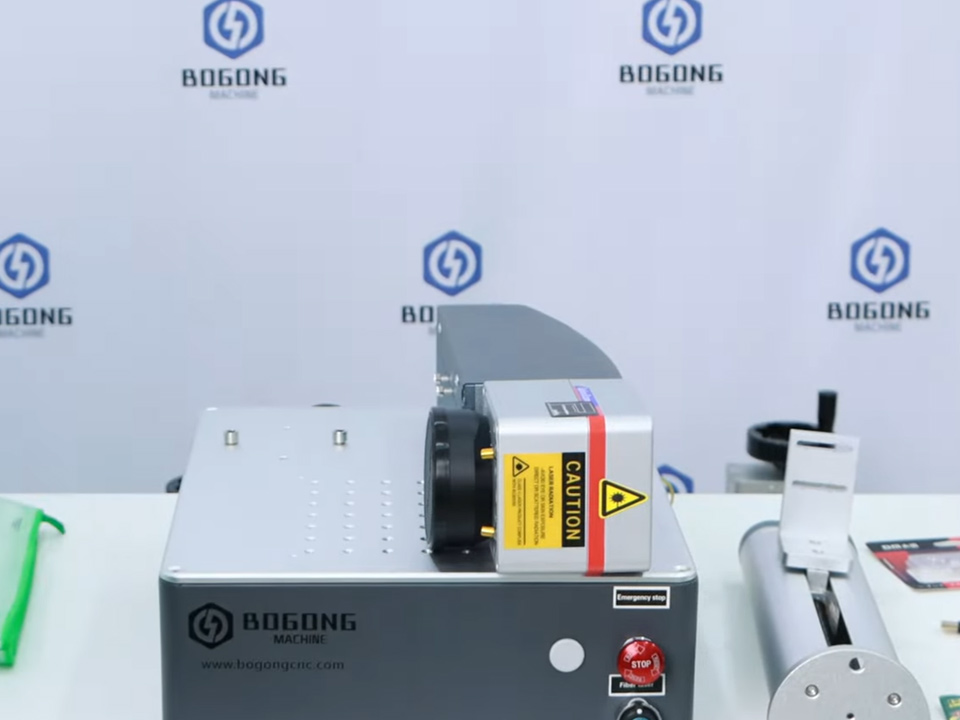
20W vs 30W vs 50W vs MOPA Fiber Laser Markers: Which to Choose?
Compare fiber laser marker options—20W, 30W, 50W, and MOPA—to choose the right power for speed, depth, metal type, and production needs.

Last year, I watched a buyer spend days arguing over whether 30W or 50W was the “safer” choice, only to admit—almost as an afterthought—that his real job was tiny serial numbers on stainless tags, a few QR codes, and some logo fills on anodized aluminum where pulse tuning mattered more than raw punch. Wrong question. Completely.
That happens a lot.
I frankly believe the laser market has trained people to shop by watt sticker instead of job logic. Looks clean on paper. Sounds technical. Feels objective. But once you get into hatch spacing, galvo speed, pass count, lens field, oxide color response, anneal behavior, and whether the mark has to look premium instead of merely visible, the simple “bigger is better” story starts wobbling pretty hard.
And wobbling is expensive.
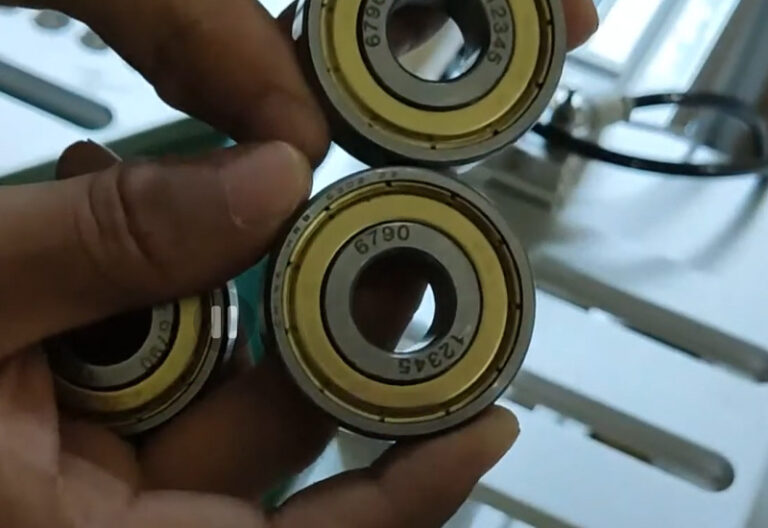
A basic آلة الوسم بالليزر الليفي usually covers the normal stuff—logos, barcodes, batch codes, QR codes, steel tags, brass parts, aluminum plates, machine-readable text, shallow branding on metal. That’s standard shop-floor work. Bread-and-butter. No need to romanticize it.
But then a buyer says, “I want deeper engraving.” Or, “I need faster cycle time.” Or, “The black mark on anodized aluminum has to look clean, not muddy.” Now we’re in different territory. Same keyword, different problem.
And that’s where people get burned.
A 20W fiber laser marker is the low-entry workhorse. A 30W fiber laser marker is usually the safest middle lane. A 50W machine leans toward throughput and more serious engraving. A MOPA fiber laser marker is the oddball specialist—the one you pick when pulse width control, contrast, heat behavior, and surface finish start mattering more than brute-force wattage.
That’s the neat version.
Here’s the ugly truth: neat versions sell machines, but they don’t always help buyers. Because in the real world, a 20W machine can do more than salespeople admit, a 50W machine can still be the wrong choice, and MOPA gets hyped by people who saw two flashy demo videos and now think every premium-looking mark requires it.
It doesn’t. Usually.
Take 20W. People love to sneer at it like it’s “entry-level only,” which is lazy thinking. A 20W fiber laser marker can handle stainless steel text, logos on brass, serial numbers on tools, ID marks on aluminum, shallow marks on plated parts, and a lot of everyday production jobs just fine. If your work is mostly line marking, text, coding, and modest fill, it’s not some crippled machine. It works.
Until it doesn’t.
The breaking point isn’t usually capability. It’s speed. Or depth. Or patience. Once you start filling bigger logos, engraving deeper, or running enough daily volume that seconds begin to pile into hours, 20W stops feeling “economical” and starts feeling like a bottleneck you bought with your own money.
That stings.
So when somebody asks me, in practical terms, what power makes the least number of people unhappy, I keep coming back to the 30W fiber laser marking machine. Not because it’s flashy. Because it’s annoyingly sensible.
From my experience, 30W is where most commercial buyers stop underbuying. You get noticeably better pace than 20W, enough headroom for light engraving, enough flexibility for daily mixed workloads, and a lot less chance of that sinking post-purchase feeling where you realize the machine can do the job—but only if everyone’s willing to wait.
Most aren’t.
But then there’s 50W, and I’m going to say something buyers sometimes don’t want to hear: 50W isn’t “better” in some universal, cosmic sense. It’s better for certain workloads. That’s all. If your work involves heavier fill, faster production, more aggressive engraving on stainless or carbon steel, or batch jobs where shaving time per part changes your margin, then yes—a 50W split fiber laser engraving machine starts making a lot of sense.
The speed is real.
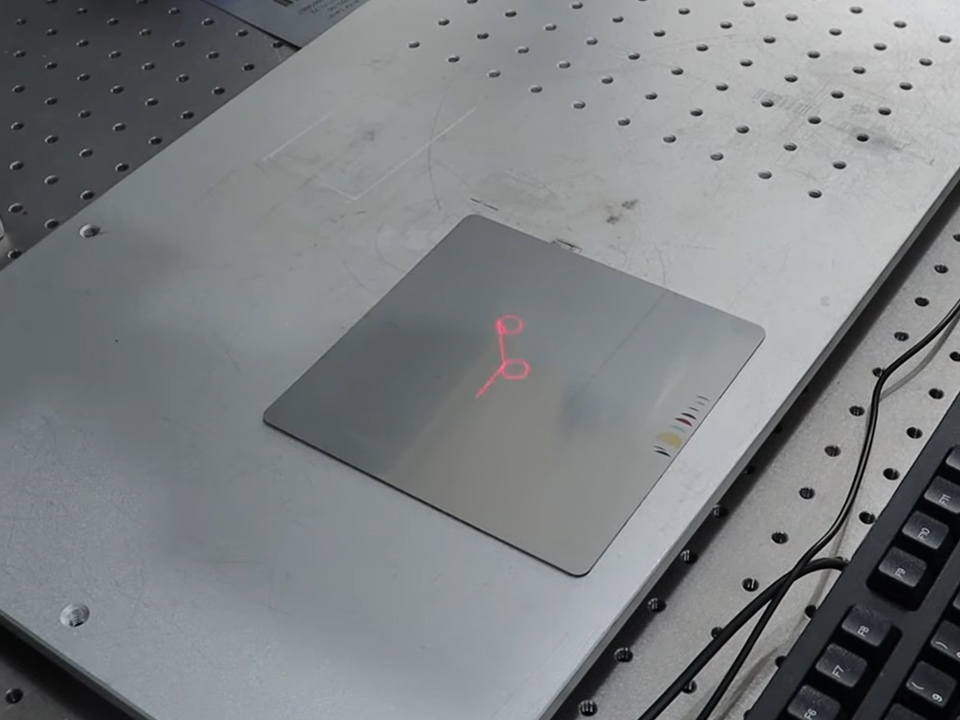
So is the extra bite. More output. Faster layer removal. Better fit for production-minded shops. But don’t kid yourself—it’s still a fiber marker, not a magic gouging tool. If someone is chasing deep cavity engraving like they’re running a mini milling center, they’re probably asking the wrong machine to carry the wrong workload. I see that mistake all the time.
And it’s not the machine’s fault.
Now let’s get to MOPA, because this is where the brochures turn slippery. A mini cabinet laser marking machine can house different source types, sure, but when people say “MOPA vs standard fiber,” what they’re really talking about is process behavior—especially pulse width control. That one detail changes the conversation more than most first-time buyers realize.
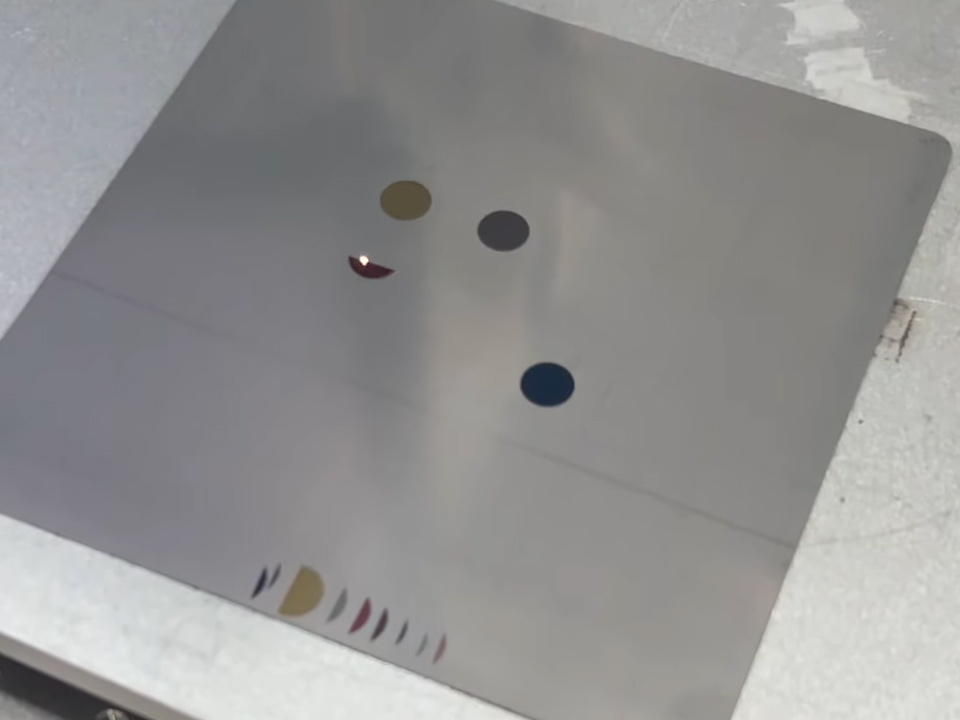
MOPA earns attention when the surface result matters. Black marking on anodized aluminum. Better-looking contrast. Less scorching. Cleaner edges. More control on heat-sensitive applications. Color marking on stainless steel—assuming the operator actually knows what they’re doing, because this part gets oversold badly. A checkbox feature doesn’t equal repeatable output. Not in this business.
I’ve seen operators blame the source when the real issue was parameter drift, dirty stock, inconsistent alloy, sloppy focal height, or bad fixturing.
That’s the shop-floor truth.
So which one should you buy? Still asking that as if wattage alone decides it? That’s exactly how people end up paying twice. The smarter way is uglier, less sexy, and more useful: start with the job, not the brochure.
Material first. Finish second. Throughput third. Tolerance for defects fourth.
That’s my order.
What are you marking—304 stainless, anodized aluminum, brass, chrome-plated steel, painted housings, coated sheet, silver, gold, weird mixed hardware from three suppliers? What kind of mark do you need—white mark, black mark, anneal, deep cut, frosted texture, color oxide, machine-readable code, premium decorative branding? How many parts per shift? And what defect will get the job rejected—burning, blur, shallow depth, ugly edge, poor contrast, slow takt time?
Answer that honestly and half the buying confusion disappears.
| نوع الماكينة | الأفضل لـ | Main Strength | Main Weakness | Typical Buyer |
|---|---|---|---|---|
| 20W fiber laser marker | Serial numbers, logos, QR codes, basic metal marking | Lower cost, solid for standard marking | Slower for fill jobs and weaker for deeper engraving | Small shop, startup, low-volume user |
| 30W fiber laser marker | Daily commercial marking, mixed workloads, moderate speed | Best balance of price, speed, and versatility | Not ideal for aggressive deep engraving | General production buyer |
| 50W fiber laser marker | Faster throughput, larger fill areas, deeper engraving | Better speed and stronger engraving capability | Higher cost, may be unnecessary for light work | Production workshop, industrial user |
| MOPA fiber laser marker | Black marking, color effects, delicate contrast control | Pulse flexibility, better surface control | Higher complexity and cost | Precision branding, premium finishing, specialized jobs |
But here’s where buyers get tripped up. They say they want the “best fiber laser marker for metal,” and already the question is too vague to be useful. Metal what? Polished stainless jewelry is not the same animal as anodized aluminum nameplates. Brass pendants don’t behave like coated steel tools. Even within stainless, finish and alloy quirks can throw off results.
So no—I don’t love blanket answers.
If the product you sell is judged by appearance, MOPA often deserves a serious look. That’s where a cleaner black mark or better contrast can matter more than raw throughput. If you’re doing mostly practical industrial marks, though, a standard machine is usually the more rational buy. That’s why I’d point many people asking for the best fiber laser marker for metal toward the application first, not the buzzword.
Because buzzwords don’t ship good parts.
And I’d say the same thing to shops wanting a neat, compact layout. An all-in-one fiber laser marking machine can be a nice fit when bench space is tight and the work envelope is manageable. Cleaner footprint. Tidier setup. Less visual clutter. But if your parts are awkward, fixture-heavy, or annoying to position, split-type setups often feel less restrictive once the honeymoon phase ends.
That daily-use stuff matters more than people think.
Cable routing. Door swing. Part clearance. Lens swaps. Table height. Jig repeatability. Smoke extraction. Operator fatigue. The little things. Those “little things” decide whether a machine feels professional after month three—or feels like something you tolerate because returning it would be worse.
Now, when people ask me how to choose fiber laser marker power, I don’t start with watts. I start with failure modes. What are you afraid of? Too slow? Too shallow? Too rough? Not black enough? Too much heat tint? That’s the real question hiding underneath the neat comparison chart.
And once you phrase it that way, the answers get sharper.
Choose 20W if the budget is tight and the job is mostly standard marking. Choose 30W if you want the safest all-around commercial option with the fewest regrets. Choose 50W if deeper engraving and faster takt time affect profit in a real, measurable way. Choose MOPA if finish quality is part of what you sell—not just a nice extra when somebody asks for something fancy.
Simple. Not simplistic.
There’s also a trap I see with 50W vs MOPA. Buyers assume the higher-watt standard source must automatically outperform a lower-power MOPA source. Better at what? Deeper removal, maybe. Faster heavy fill, often yes. Better black mark on anodized aluminum? Not necessarily. Better surface cosmetics on sensitive jobs? Also not necessarily. This is why any honest fiber laser marker power comparison has to go beyond the watt sticker.
Way beyond it.
Pulse width range. Frequency tuning. Lens field size. Spot behavior. Fill strategy. Pass count. Material batch. Surface polish. Fixturing. Operator competence. Even the dreaded HAZ—the heat-affected zone nobody wants to think about until the edges look cooked. That’s the real comparison. Everything else is brochure shorthand.
Sites blur “marking,” “engraving,” and “etching” because it pulls broader search traffic. Fine. That’s marketing. But buyers still need a straight answer. So here’s mine: if you don’t know what you need yet, buy 30W. Not because it wins every category. Because it loses the fewest.
That matters.
If your work is light-duty and money is tight, 20W is still a fair play. If output speed and depth are eating into margins, go 50W. If your customers pay for finish, contrast, black marks, or color effects, go MOPA. Don’t overcomplicate it unless your application genuinely demands it.
And if your shop is already investing across adjacent processes—say a best handheld laser welder for joining or a آلة التنظيف بالليزر النبضي for prep and oxide removal—then workflow matters even more. The smartest shops I’ve seen don’t collect machines like trophies. They build a production chain that makes sense.
| Buying Question | Best Answer |
|---|---|
| Lowest entry cost for metal marking | 20W |
| Best balance for most commercial users | 30W |
| Better for faster deep engraving jobs | 50W |
| Better for black marking and premium contrast control | MOPA |
| Better for mixed everyday logo/QR/text work | 30W |
| Better for decorative stainless effects | MOPA |
| Better for large batches with heavier fill areas | 50W |
الأسئلة الشائعة
What is the main difference between a standard fiber laser marker and a MOPA fiber laser marker?
A MOPA fiber laser marker differs from a standard fiber laser marker because it offers wider pulse width control, which allows better control over heat input, surface contrast, edge quality, and specialty effects on metals such as anodized aluminum and stainless steel. In practical terms, MOPA is usually chosen for black marking, cleaner finish-sensitive jobs, and certain color effects, while standard fiber machines are more often chosen for simple speed, lower cost, and straightforward industrial marking.
That’s the clean answer.
The dirtier answer is this: lots of people buy MOPA for effects they rarely use. If your daily job is serial numbers on steel brackets, you may never cash in on the fancy part.
Is 30W the best all-around fiber laser marker power?
A 30W fiber laser marker is often the best all-around power level because it gives a strong balance of price, speed, flexibility, and real commercial usefulness across a wide range of everyday marking and light engraving tasks. For many shops, 30W provides enough output for daily production, enough headroom for common metal work, and enough versatility for logos, QR codes, text, and branding without feeling underpowered too soon.
I keep recommending it for a reason.
Not because it’s perfect. Because it’s the least likely to make you mutter, three months later, “We should’ve bought one step up.”
Which fiber laser marker is best for metal products with premium branding requirements?
The best fiber laser marker for premium-branded metal products is usually a MOPA machine when visual contrast, black marking quality, edge cleanliness, decorative appearance, and finish control directly affect how the final product is judged by the customer. If the job is mostly industrial coding, standard logos, or practical part identification, then a 30W or 50W standard fiber machine may still be the better business choice, but for appearance-led branding, MOPA generally has the stronger case.
That’s the split that matters.
Are you selling a readable mark—or are you selling a beautiful one?
If you’re still comparing 20W, 30W, 50W, and MOPA by watt number alone, you’re staring at the wrong part of the problem. Match the machine to the material, the finish target, and the real production pressure—and you’ll make a much smarter buy than someone shopping by spec-sheet ego alone.


نقرة ساخنة
اتصل بنا
التطبيق
©Copyright [bogonglaser.com]. BOGONG Laser Machine Supplier All Rights Reserved.